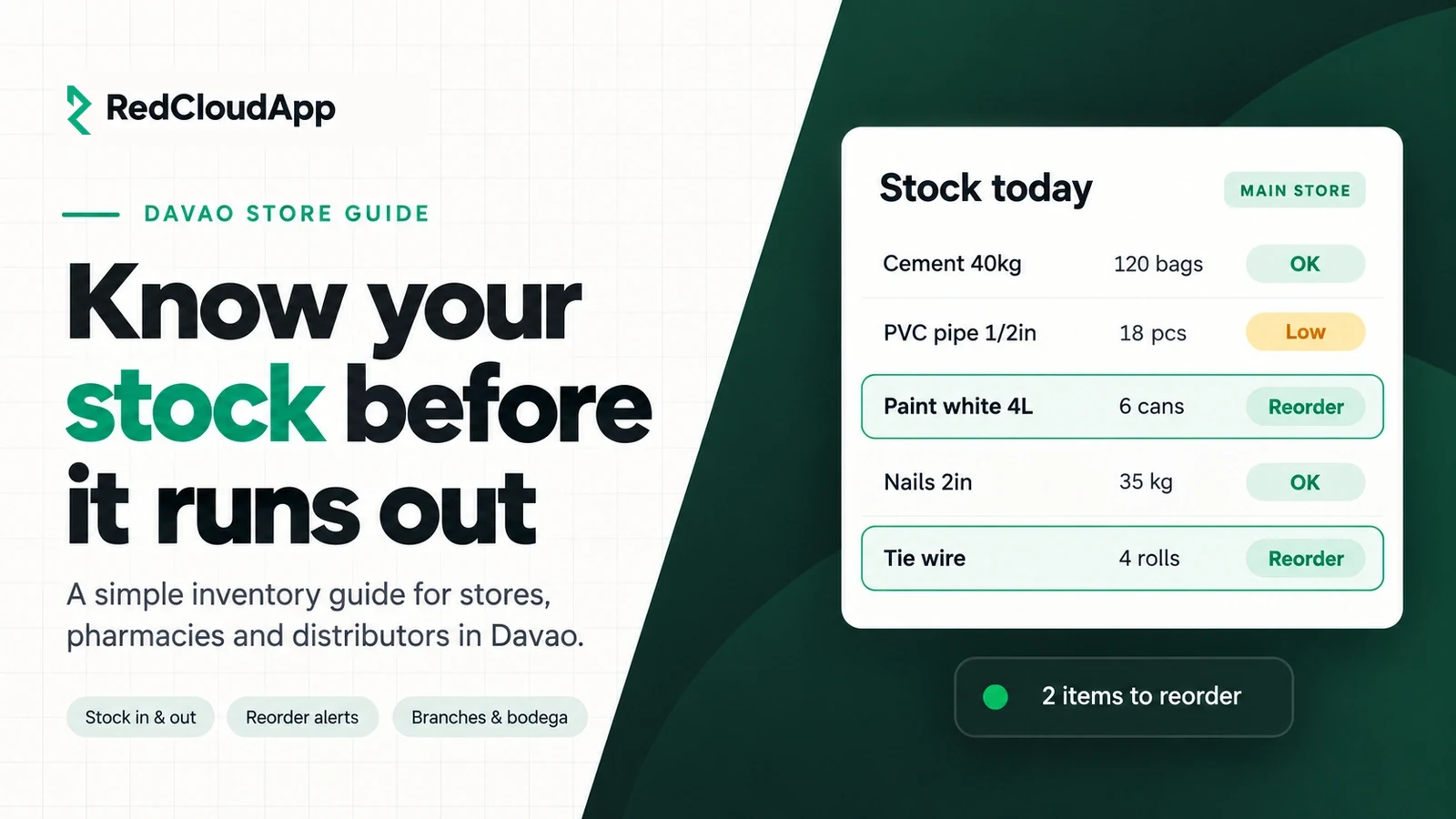
Ask any store owner in Davao what keeps them up at night and stock comes up fast. The best seller runs out on a Saturday. Boxes of slow items sit in the bodega for months. The count on paper says 40 pieces, but the shelf has 31, and nobody knows where the other 9 went.
This guide is for owners of hardware stores, pharmacies, grocery and convenience stores, distributors and small warehouses in Davao City. It explains what an inventory management system does, how to tell if you need one, and how to switch from a notebook or spreadsheet without stopping your sales.
Key takeaways
- Clean your item list first. A system can’t fix duplicate or unclear item names.
- Record every way stock moves: deliveries, sales, transfers, returns and damages.
- Set a reorder level for your fast movers so you know what to buy before it runs out.
- Count a small group of items every week instead of one big count a year.
- Decide who can add or change stock, and keep a history of every change.
Signs your store has outgrown the notebook
- You find out an item is out of stock when a customer asks for it.
- Your stock count and your sales never quite match.
- You re-order by memory or by looking at the shelf.
- Two branches or a store and a bodega keep separate lists.
- Expiry dates are checked only when someone remembers.
- Year-end counting takes your whole team a full weekend.
If three or more of these sound familiar, a simple system will save you time and money. You don’t need a big, expensive setup. You need one shared record that your team actually updates.
What an inventory system does, in plain terms
An inventory system keeps one running count for every item. Each time stock comes in or goes out, the count changes. That’s the whole idea. Most systems are built around these parts:
| Part | What it does | Why it helps |
|---|---|---|
| Item list | Names, units, prices, barcodes and categories | Everyone uses the same name for the same item |
| Stock in | Deliveries from suppliers | You can check if what arrived matches what you ordered |
| Stock out | Sales, use, damages and returns | You see where every piece went |
| Transfers | Moving stock between a store, bodega or branch | Each location has its own correct count |
| Reorder alerts | Warns you when an item is running low | You buy before it runs out, not after |
| Reports | Fast and slow movers, stock value | You stop buying what doesn’t sell |
6 things to check before you choose a system
1. It counts items the way you sell them
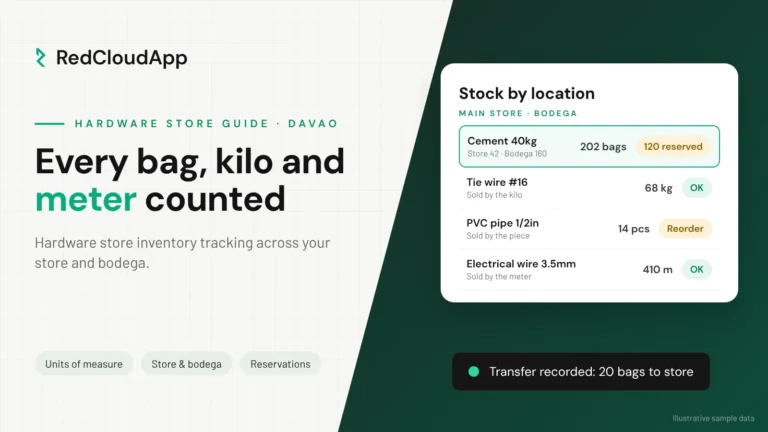
A hardware store may buy nails by the box and sell them by the kilo. A pharmacy buys by the box and sells by the piece. Ask the seller to show how the system handles your units, not just a simple one-item example.
2. Stock moves are recorded once
If a sale on the POS doesn’t reduce the stock count automatically, someone has to type it in twice. Mistakes start there. Ask how sales, deliveries and transfers update the count.
3. It handles expiry dates and batches if you need them
Pharmacies, grocery stores and food distributors should track expiry dates. Ask to see a list of items expiring in the next 30 days.
4. Each branch or bodega has its own count
Many Davao businesses have a store in one area and a bodega in another, or branches in Toril, Matina and Panabo. Each location needs its own count, plus a clear record when stock moves between them.
5. Only the right people can change stock
Give cashiers, stock clerks and managers different access. A history of who changed what, and when, protects honest staff and helps you find mistakes quickly.
6. It works on a phone and on slow internet
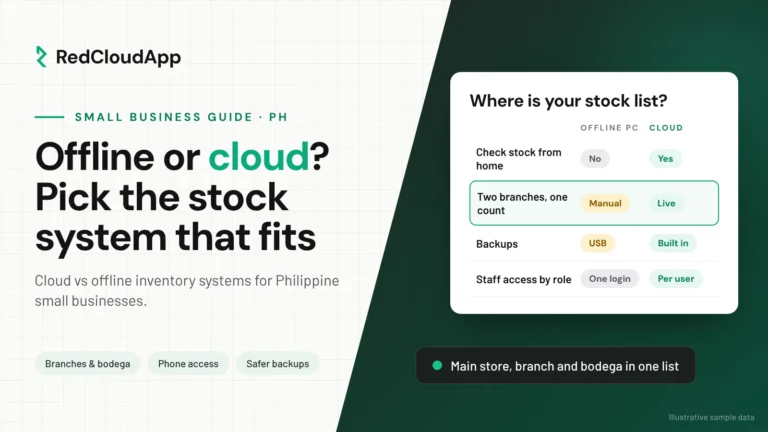
Owners often check stock while away from the store. A cloud system you can open on your phone helps. Ask what happens when the connection drops.
How to switch without stopping your sales
- Clean up your item list. Remove duplicates, fix names and add units and prices.
- Do one full count. Pick a quiet day, like a Monday morning, not payday weekend.
- Enter your opening stock. This is your starting point in the new system.
- Record everything from day one. Every delivery, sale, transfer and damage.
- Count a few items every week. Check 10 to 20 items. If they match, the system is working.
Questions to ask in every demo
- Can you show me my type of item, with my units?
- How do POS sales reduce stock?
- How do I see what is running low today?
- How do transfers between my store and bodega work?
- Who can change stock, and is there a history?
- Can I export my data if I stop using the system?
- Who sets it up, and who do I call when something goes wrong?
Where RedCloudApp fits
RedCloudApp helps Davao businesses set up inventory management that matches how they buy, store and sell. We start by looking at your current list and process, show you the system in a live demo and confirm in writing what it can and can’t do for your business. If you also need a counter system, see POS setup. Need something specific? Read about custom software in Davao City.

Frequently asked questions
What is the easiest way to start managing inventory?
Start with a clean item list and one full count. Then record every delivery and sale from that day on. A simple system that your team uses every day is better than a big one nobody updates.
Is a spreadsheet enough for a small store?
For a few dozen items and one person updating it, maybe. Once you have hundreds of items, more than one staff member or a second location, a spreadsheet gets out of date fast and mistakes are hard to trace.
How often should we count our stock?
Do one full count when you start. After that, count a small group of items every week, especially fast movers and high-value items. This catches problems early without closing the store.
Can an inventory system connect to my POS?
Many can. Ask how a sale on the POS reduces stock and whether you need one system or two. We confirm this for your setup during the demo.
Do you help businesses outside Davao City?
Yes. We are based in Davao City, and we also work with businesses in Panabo, Tagum, Digos and elsewhere in the Philippines through online meetings and remote setup.