Most clinics in Davao still run on a mix of paper charts, a logbook at the front desk and a notebook for daily sales. It works until the waiting area fills up, an HMO claim goes missing or a doctor asks for a patient’s last three visits. A clinic management system fixes those gaps, but only if it fits the way your clinic actually works. Here is what to check before you choose one.
1. Start with the patient’s visit, not the feature list
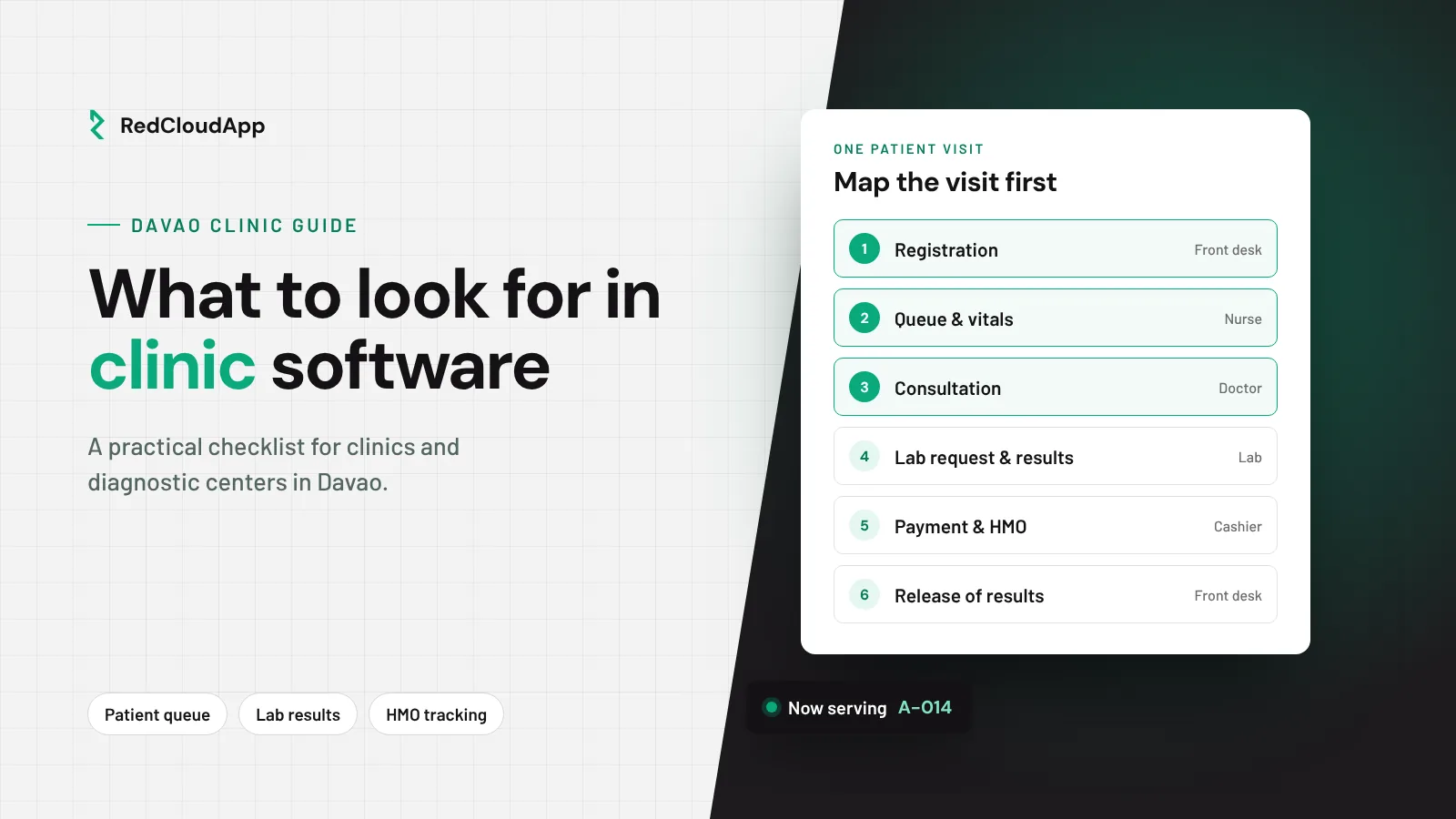
Walk through one normal visit: registration, waiting, vitals, consultation, lab request, payment and release of results. Write down who touches each step and what they write or print. A good system follows that path. A poor fit forces your staff to change a routine that already works.
2. Queueing your patients can see
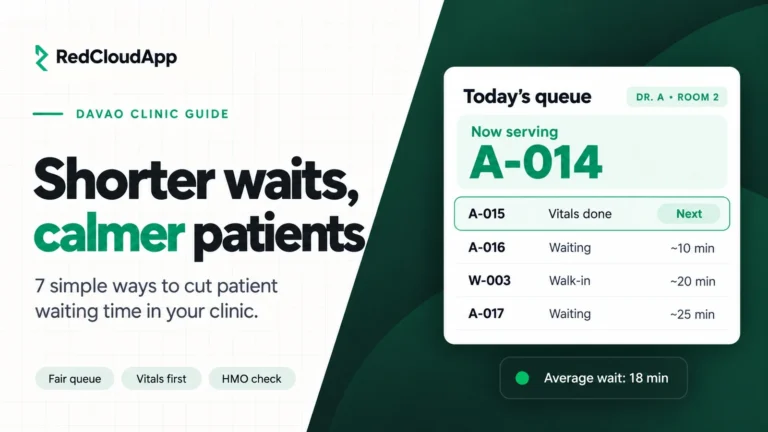
Long, uncertain waits are the most visible problem in a busy clinic. Look for numbered queues per doctor, a clear front desk view and a way to handle walk-ins and appointments together. Ask how the queue looks on a busy Monday morning, not on an empty demo screen.
3. Patient records the right people can reach
Doctors need visit history in seconds. Front desk staff need contact details, not diagnoses. Check that the system uses role-based access, so each person sees only what their job requires.
4. Lab requests and results
If your clinic orders or runs lab tests, ask how a request is tracked from order to result to release. Missing results create repeat visits and unhappy patients.
5. HMO tracking and daily sales
HMO patients are a large share of visits for many Philippine clinics. Your system should record HMO, cash and e-wallet payments in one place and give the owner a clean daily summary. Bring your list of accredited HMOs and your current claim steps to the demo.
6. Data privacy and backups
Patient information is sensitive personal information under the Data Privacy Act. Ask where data is hosted, how often it is backed up, who can export it and what happens to your data if you stop using the system. Confirm your own obligations with your data protection officer or legal adviser.
7. Local setup and support
Software is only half the job. Ask who imports your patient list, who trains your staff and who you call when something breaks on a Saturday clinic day. A Davao-based team can usually respond faster and understands local HMO and payment habits.
Quick checklist for your demo
- Show me a full patient visit from registration to receipt
- How do walk-ins and appointments share one queue?
- Who can see diagnoses and who cannot?
- How are lab requests tracked to release?
- How are HMO balances followed up?
- Where is our data hosted, and can we export it?
- Who trains our staff, and how do we reach support?
RedCloudApp’s clinic web app, Nimbus, covers queueing, patient records, lab results, HMO billing, printing and daily sales. Plans are coming soon, and early-access requests are open. Need something specific to your specialty? See clinic software in Davao or talk to our team.