A new POS should make checkout faster and closing time shorter. Too often it does the opposite: the menu is hard to navigate, the printer will not connect and the end-of-day report never matches the cash drawer. Most of those problems are decided before the first sale. Use this checklist to plan your POS setup, whether you run a café, a restaurant or a retail store in Davao.
1. Map how a sale happens today
Follow one order from the customer to the receipt. For restaurants, include the kitchen: who receives the order, how it is marked done and how bills are split. For stores, include returns and discounts. Your POS setup should copy what works and fix what does not.
2. Clean up your menu or product list
Duplicate items, unclear names and missing prices slow down every cashier. Before setup, prepare one clean list with categories, prices, add-ons or variants and barcodes where you use them. This one step saves hours of corrections later.
3. Choose devices for the software, not the other way around
Receipt printers, kitchen printers, barcode scanners and cash drawers must be compatible with the POS you choose. Confirm the list of supported devices before buying hardware, and test each one before opening day.
4. Plan every payment type
Most Davao businesses take cash, cards and e-wallets. Decide how each is recorded, how service charges and discounts are handled and how cashiers close their shift. The goal is one end-of-day total that matches without a recount.
5. Decide how stock should follow sales
Stores usually deduct one item per sale. Restaurants may need ingredient-level tracking, where each dish deducts its recipe. Ask whether the POS supports the level you need, or whether it should connect to a separate inventory system.
6. Check your registration requirements
BIR requirements for POS and receipts depend on the exact software and your business registration. Confirm them with your accountant before you go live, and be cautious of any vendor that promises compliance without reviewing your setup.
7. Train, test, then open
Run test transactions with your real menu and devices. Train cashiers and kitchen staff on the actual screens. Agree on who to call during the first busy weekend.
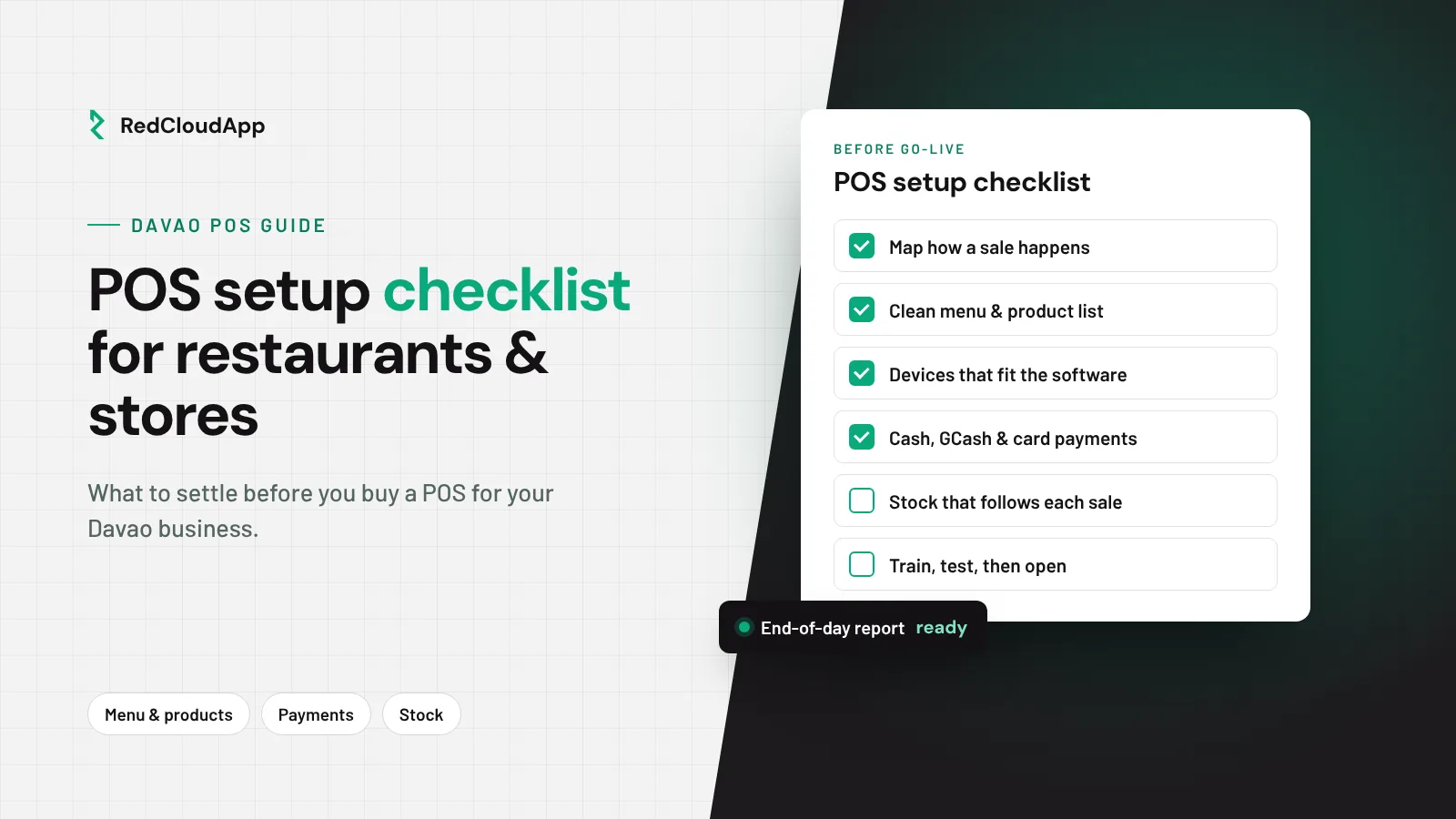
POS setup checklist
- Sale flow mapped from order to receipt
- Clean menu or product list with prices and variants
- Devices confirmed compatible and tested
- Cash, card and e-wallet closing process agreed
- Stock deduction method decided
- Registration requirements checked with your accountant
- Staff trained on the live setup
RedCloudApp plans and tests POS setups for Davao businesses. See restaurant systems in Davao, retail systems in Davao or POS setup. Need a POS built around your business? Ask about custom software.