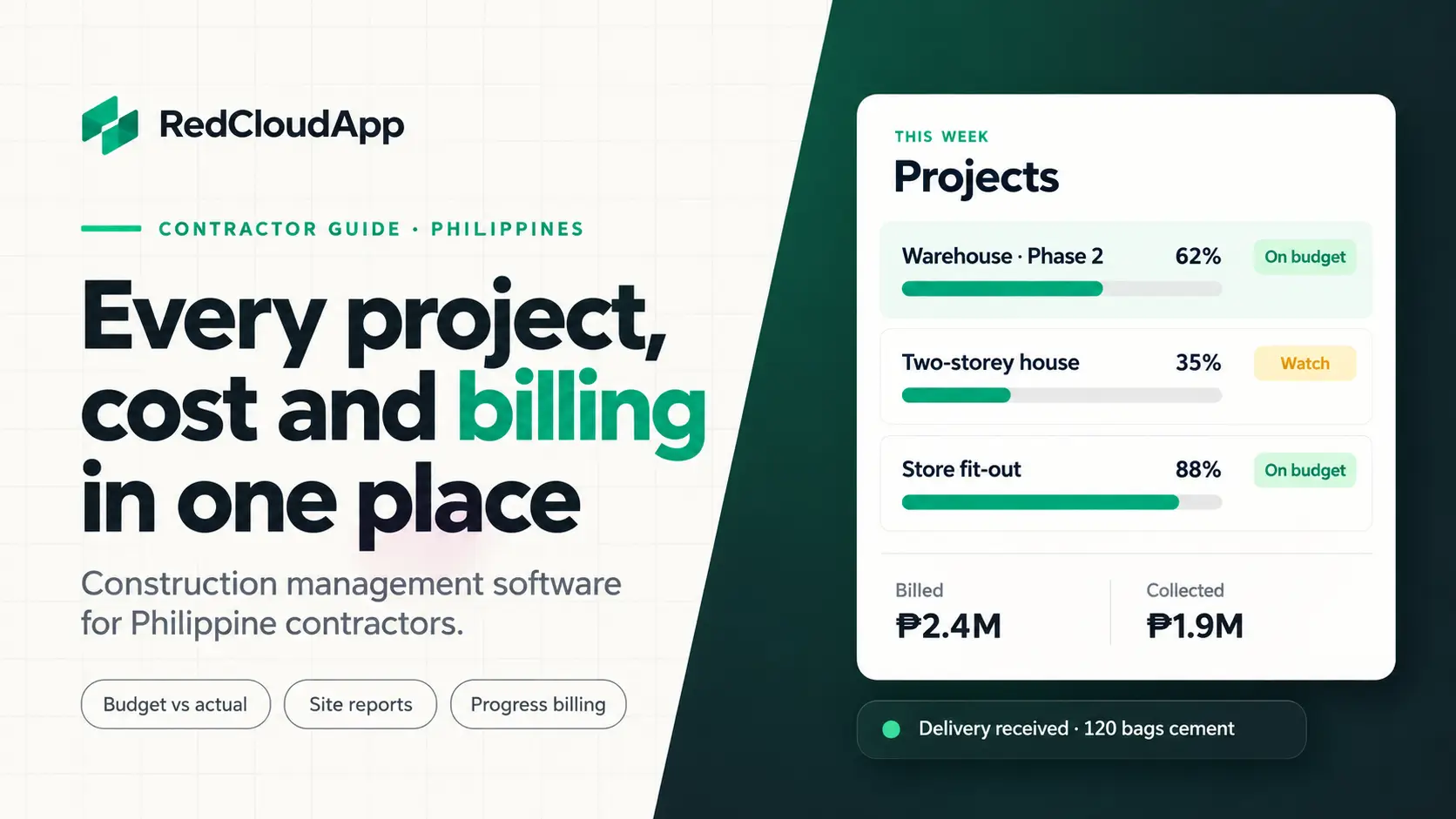
Ask a Philippine contractor where their project numbers live and the answer is usually “everywhere.” The BOQ is in Excel, delivery receipts are in an envelope in the site office, the foreman sends progress photos on Messenger and Saturday payroll comes from an attendance notebook. It works for one project. With three sites running at once, say one in Davao City, one in Tagum and one in Digos, things start slipping through the cracks.
This guide is for general contractors, specialty contractors (electrical, plumbing, steel, finishing), design-and-build firms and developers with their own construction team. It explains what construction management software should do for a Philippine contractor, what to check in a demo, and how to move from spreadsheets and group chats without stopping work on site.
Key takeaways
- Compare budget and actual cost for every project, phase and cost item, not only at the end of the job.
- Track materials from purchase order to delivery to use on site, so “missing” stock shows up early.
- Get daily site reports from the foreman in one place instead of scattered chat messages.
- Make sure the system fits how you pay workers: daily rate, pakyaw and cash advances.
- Prepare progress billing from recorded accomplishment, with retention and change orders tracked.
Signs you have outgrown spreadsheets and group chats
- You only find out a project went over budget after it is finished.
- Materials are delivered to the wrong site, or nobody can say where the extra cement went.
- Progress photos and site updates are buried in long Messenger or Viber threads.
- Payroll takes most of Saturday because attendance comes from several notebooks.
- Progress billings are late because accomplishment has to be counted again.
- Change orders were agreed verbally and are hard to bill later.
What construction management software should cover
| Area | What it tracks | Why it matters |
|---|---|---|
| Budget and cost | Budget from your BOQ against actual spending, per project, phase and cost item | You see overruns while you can still act |
| Purchasing | Purchase requests, approvals, purchase orders and supplier prices | No unapproved buying, easy price comparison |
| Site inventory | Deliveries, materials used and transfers between sites | Fewer losses and fewer emergency purchases |
| Daily site reports | Work done, manpower, weather, issues and photos per day | One record of what happened on site |
| Manpower and payroll | Attendance, rates, pakyaw work and cash advances per site | Faster, more accurate payroll |
| Subcontractors | Scope, contract amount, billings and payments | You know what each subcontractor is still owed |
| Progress billing | Percent accomplishment, billings, retention and collections | You bill on time and follow up unpaid amounts |
| Change orders | Approved changes to scope, cost and schedule | Extra work gets approved and billed |
6 things to check before you choose a system
1. It works on site, on a phone
Your foreman and site engineer will use the system on a phone, often with weak mobile data. Ask the seller to send a daily report and upload a photo from a phone during the demo. If it is slow or confusing there, it will not be used on site.
2. Budget against actual, set up from your BOQ
The budget should follow the same cost items as your bill of quantities: materials, labor, equipment and subcontracts per phase. Ask to see one of your own BOQs loaded into the system, and how a purchase or payroll run shows up against it.
3. Materials tracked from order to use
Most material losses happen between the delivery truck and the work itself. The system should record what was ordered, what arrived (checked against the delivery receipt), what was used and what was moved to another site. Owners should see stock per site at any time.
4. Payroll that fits how you pay workers
Philippine construction crews are paid in many ways: daily rate, pakyaw (paid per finished job), overtime, and cash advances (vale) deducted on payday. Ask how the system handles each of these per site. Government contributions such as SSS, PhilHealth and Pag-IBIG, and withholding tax on subcontractor payments, depend on your setup, so confirm them with your accountant.
5. Progress billing, retention and change orders
Your billing should come straight from recorded accomplishment, with the retention amount held per contract and released when the job is accepted. Change orders should be approved in the system before the extra work starts, so they appear on the next billing instead of being forgotten.
6. One view across all your projects
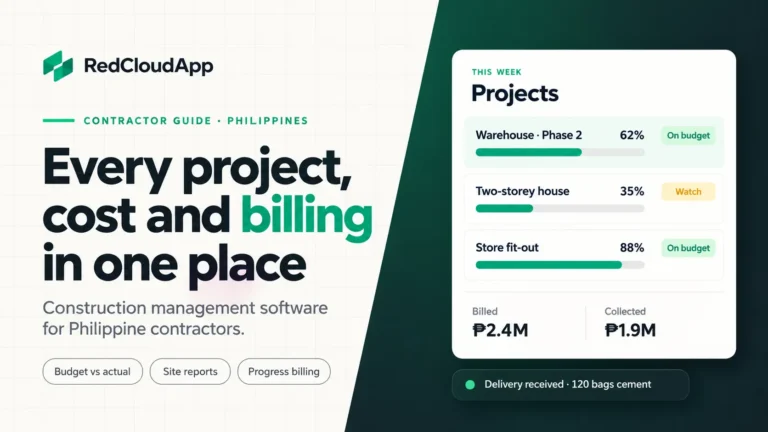
As an owner, you need one screen that shows every project: percent complete, cost against budget, amounts billed and collected, and what is due to suppliers and subcontractors. That is how you decide which project needs your attention this week.
Imported software or a system built for Philippine contractors?
Many well-known construction platforms are built for contractors in the US, Australia or Europe. They can be powerful, but they are often priced in dollars per user, assume every worker is on a monthly salary and do not follow Philippine habits like pakyaw, vale or peso progress billing with retention. Before you decide, list the five things your team does every week and check that each one works the way you do it, not the way the software expects.
Local support matters too. When the system needs a change during a busy pour week, you want a team that answers in your time zone and understands how a Philippine site runs.
How to move from spreadsheets without stopping work
- Start with one active project. Pick one with a clear BOQ and a foreman who is open to trying it.
- Load the budget, suppliers and materials list. Use the prices you actually pay.
- Move daily site reports first. Two weeks of reports in the system builds the habit.
- Run one payroll cutoff in both. Compare totals before you retire the notebook.
- Prepare the next progress billing from the system. Then add your other projects.
Questions to ask in every demo
- Can you load one of my real BOQs and show budget against actual?
- How does my foreman send a daily report from a phone?
- How are deliveries checked and materials moved between sites?
- How do you handle daily rate, pakyaw and cash advances?
- How is a progress billing prepared, and how is retention tracked?
- Who can approve purchases and change orders, and is there a history?
- Can I export all my project data?
Where RedCloudApp fits
RedCloudApp builds real estate and construction software for contractors and developers in Davao and across the Philippines. For construction teams it covers budget against actual per project, phase and cost item; purchase orders, deliveries and site inventory; subcontractors, daily site reports and progress billing; and manpower and payroll inputs from each site. Each system is built around your projects on a custom plan, starting from our existing inventory and payroll modules where they fit.
We are based in Davao City and work with contractors elsewhere in the Philippines through online meetings and remote onboarding. See how this works for local teams on our real estate and construction page for Davao.

Frequently asked questions
What is construction management software?
It is one system for running construction projects: budgets and costs, purchasing and materials, daily site reports, manpower, subcontractors and progress billing. It replaces the mix of spreadsheets, notebooks and chat messages most contractors use.
Is it only for big contractors?
No. Small and mid-sized contractors often benefit most, because the owner is usually the one checking every cost. Start with the parts that cost you the most time, such as site reports, materials or payroll.
Can it handle pakyaw and daily-rate workers?
A system built for Philippine contractors should. Ask to see daily-rate attendance, pakyaw jobs and cash advance deductions in one payroll run during the demo. Confirm contribution and tax rules with your accountant.
Will it work on sites with weak mobile signal?
It depends on the system. Test it on a phone at one of your actual sites before you commit. With RedCloudApp, we review your site connectivity during the first meeting and plan the setup around it.
How much does construction management software cost in the Philippines?
It depends on the number of projects, users and modules you need. RedCloudApp works on a custom plan: after a free meeting, we send a written proposal with a clear price for each part.