Most POS systems in the Philippines are sold the same way. You pick a plan, pay a monthly fee for each counter, load your items and start selling. For many small shops that works fine. But if your business sells cement by the bag and wire by the meter, gives contractors their own prices, or runs a kitchen where one plate uses five ingredients, you have probably felt the gap. The POS does most of what you need, and your staff fill in the rest with notebooks, price overrides and text messages.
This guide compares a custom POS vs an off-the-shelf POS in plain terms: what each one is, what a typical ready-made POS gives you, what changes when the POS is built around your business, and how to decide which one you need. We build custom POS systems for Philippine businesses from Davao City, so we will also be clear about what ours does and does not do.
Key takeaways
- An off-the-shelf POS is the same app for every business. It is quick to start and works well when your selling is simple.
- A custom POS is built around how your counter already works: your price tiers, units, recipes, branches and reports.
- Ready-made POS plans are usually priced per terminal, user or branch, every month. Our custom POS has no per-terminal license fee.
- If your staff use workarounds every day (manual price overrides, separate stock notebooks, end-of-day spreadsheets), that is the sign a custom POS will pay for itself.
What is an off-the-shelf POS?
An off-the-shelf POS (point of sale) is ready-made software you subscribe to. The same screens, buttons and reports are used by a milk tea stall in Davao, a boutique in Manila and a pharmacy in Cebu. You adjust the settings the vendor allows, such as your item list, tax settings and receipt header, and that is it.
Here is what a typical ready-made POS in the current market looks like. Products differ, so treat this as a general picture and check each vendor’s current plan:
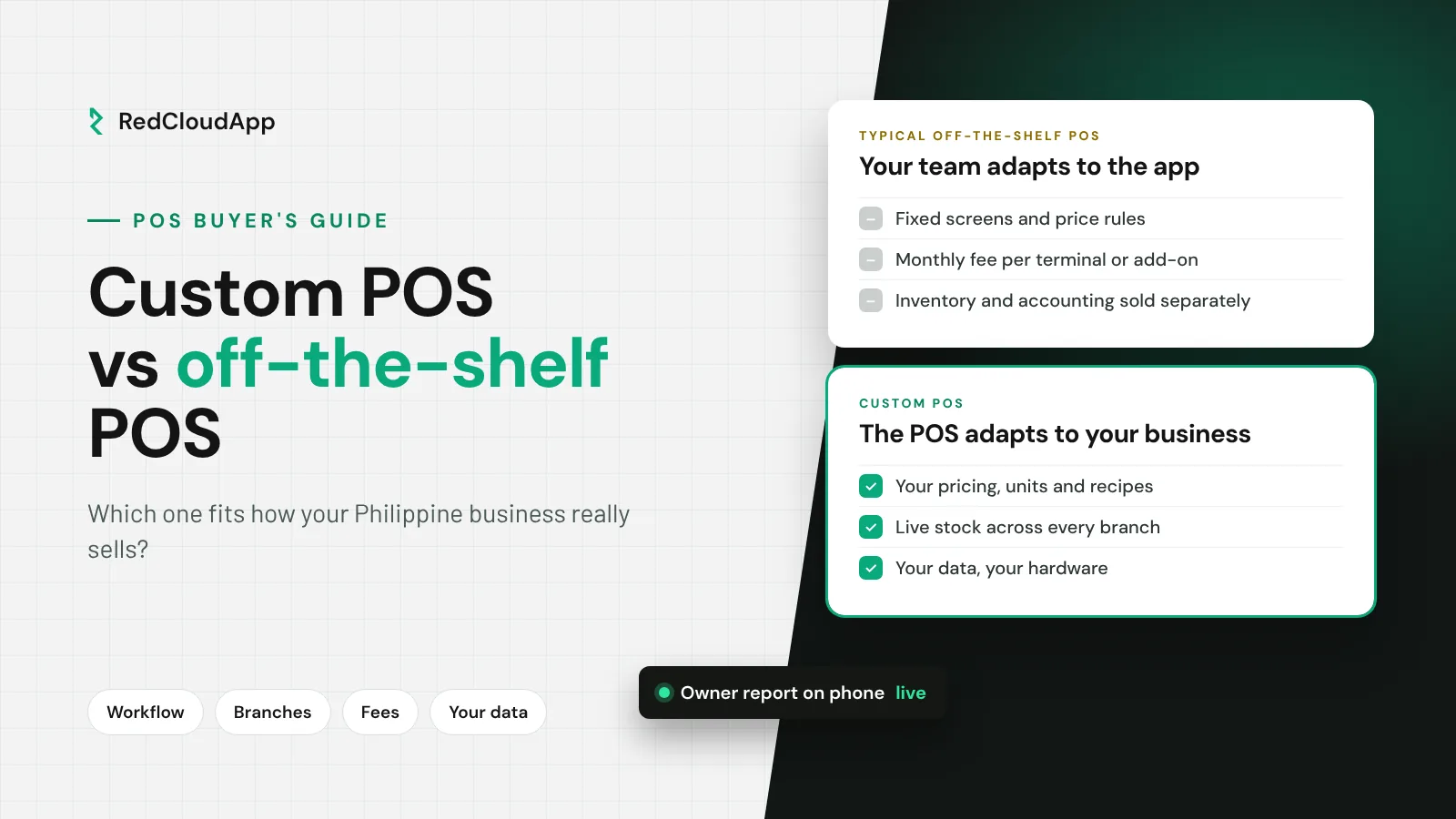
- Fixed workflow. The checkout flow is designed for an average store. If your process is different, your team changes how they work to fit the app.
- Standard price rules. Percentage discounts, promos and maybe a few price levels. Special prices per customer type or per unit are often limited.
- Recurring fees. A monthly or yearly fee, often per terminal, per user or per branch. Inventory, multi-branch and accounting features may sit on higher plans or paid add-ons.
- Standard reports. Daily sales, top items and cashier totals. Anything else usually means exporting to Excel and building it yourself.
- Hardware bundles. Some vendors recommend or sell specific printers, tablets and cash drawers.
None of this is bad. A ready-made POS is often the right first step for a new business with a simple menu or a small product list. The trouble starts when the business grows in ways the app was not designed for.
What is a custom POS?
A custom POS is point of sale software built around one business. Instead of asking “how do we make our store fit this app?”, the starting question is “how does your counter work today, and what slows it down?” The screens, price rules, stock deductions and reports are then built to match.
At RedCloudApp, a custom POS is not a single app we hand to everyone. Each one is built for the business that will use it, on top of systems we have refined for years in real stores, food businesses and clinics. Here is what our custom POS systems do for clients today:
- Built around your workflow. Recipe and ingredient deduction for food businesses, special prices per customer type, your own discount rules and the units you actually sell in.
- Live stock across branches. Every sale updates inventory right away, so the main store, branches and bodega see the same numbers. It runs on the same engine as our online inventory software.
- Owner reports on your phone. The reports you asked for, such as sales per branch, margins or low stock, checked from anywhere.
- Connected to accounting and payroll. Sales flow into our online accounting system and payroll modules, so the same numbers are not typed twice.
- No per-terminal license fee. Adding a counter does not add a monthly license charge. The full cost is quoted in writing before you decide.
- Your data and your hardware. Your sales and stock records belong to you and can be exported. We use the receipt printers, barcode scanners and PCs or tablets you already own, after checking they are compatible.
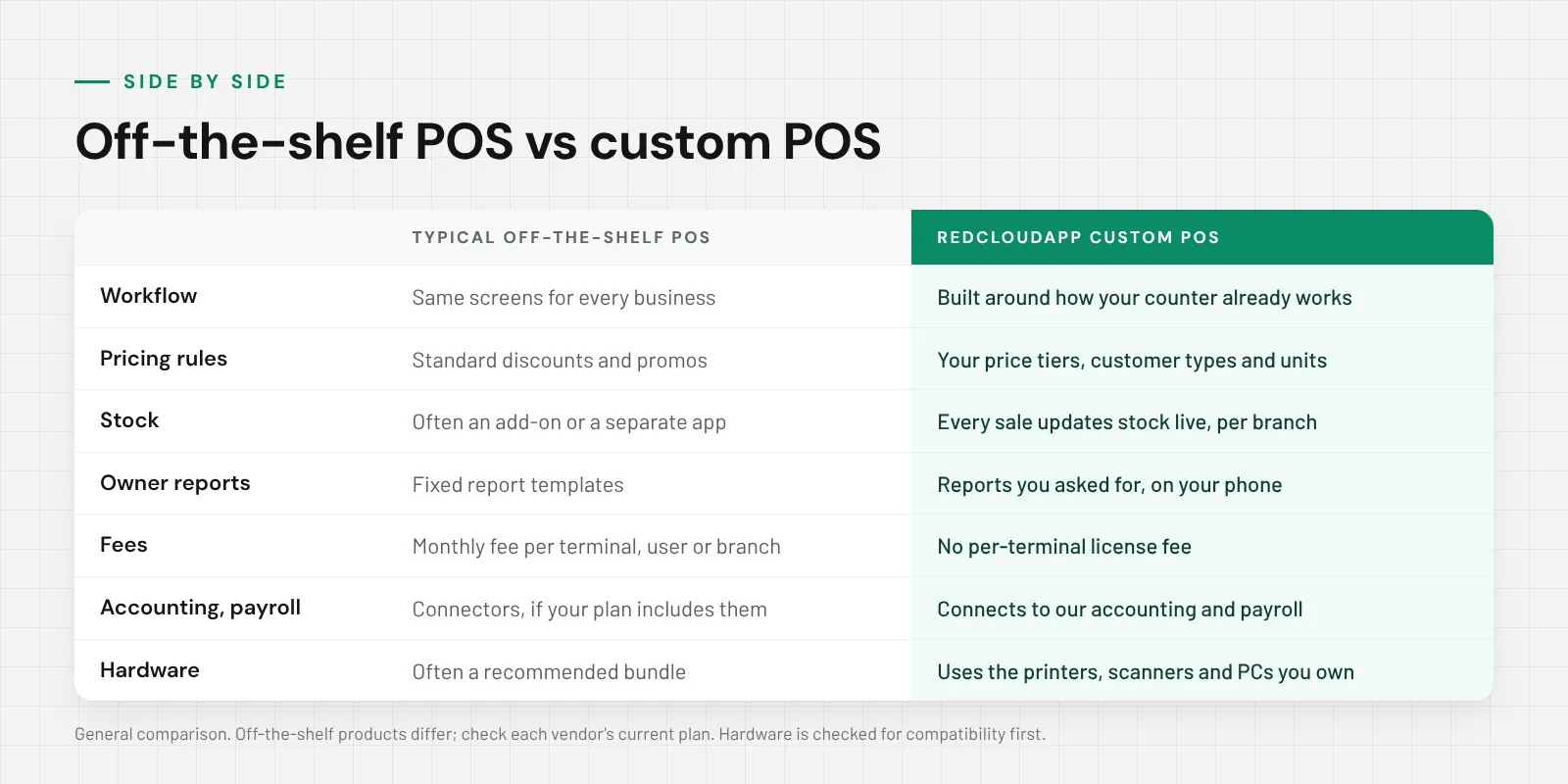
Custom POS vs off-the-shelf POS: the main differences
| What you need | Typical off-the-shelf POS | RedCloudApp custom POS |
|---|---|---|
| Checkout flow | Same for every business | Built around how your cashiers already work |
| Special prices | Standard discounts and promos | Price tiers per customer type, such as walk-in, contractor or reseller |
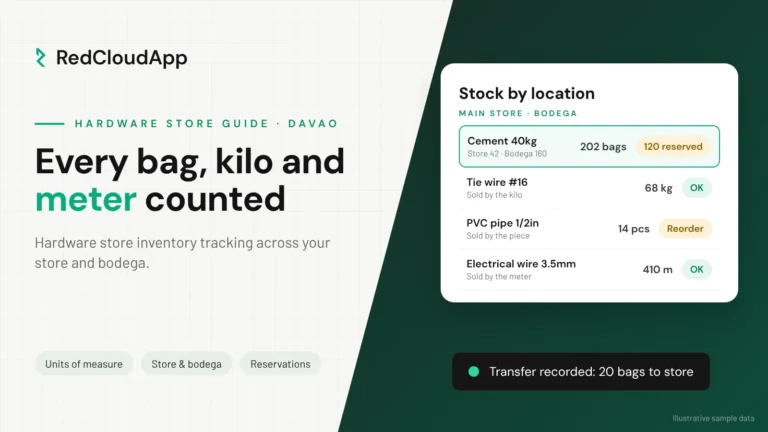
| Units and recipes | Mostly one unit per item | Sell by bag, kilo, meter or piece; dishes deduct their ingredients |
| Stock across branches | Often a higher plan or add-on | Live stock per branch and bodega, updated with every sale |
| Owner reports | Fixed templates | The reports you need, on your phone |
| Accounting and payroll | Separate apps or connectors | Connected to our accounting and payroll modules |
| Fees | Monthly fee per terminal, user or branch | No per-terminal license fee; cost quoted in writing |
| Hardware | Often a recommended bundle | Uses compatible devices you already own |
| Getting started | Sign up today | Takes longer, because it is built and tested for you |
The last row matters. A custom POS takes longer to start than a sign-up form. You trade a slower start for years of a system that fits, instead of years of workarounds.
A real-world example: a hardware store with contractor prices
Real-world example
A Davao hardware store with a branch and contractor accounts
Before
Imagine a hardware store in Davao City with one branch and a bodega. It uses a ready-made POS. Walk-in customers and contractors pay different prices, but the POS has one price per item, so cashiers override prices by hand. Some forget, and some give the contractor price to friends.
Electrical wire is bought by the roll but sold by the meter, so wire is tracked in a separate notebook. Stock at the branch is texted to the owner every night. At month-end, the bookkeeper retypes the sales totals into the accounting file.
After
With a custom POS, the cashier picks the customer type and the right price appears. No overrides, and every special price is on record. Wire is sold by the meter and the roll count goes down on its own.
Each sale updates stock at the store, the branch and the bodega right away. The owner checks sales and low stock on a phone on Sunday night, and the month’s sales are already in the accounting module when the bookkeeper starts closing.
Illustrative scenario, not a named client.
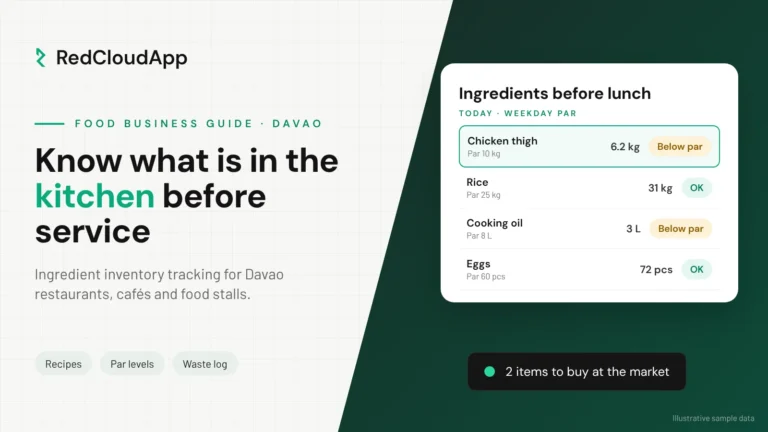
The same pattern shows up in food businesses. A carinderia or café sells plates and cups, but buys chicken by the kilo and rice by the sack. A custom POS links each dish to its recipe, so every sale deducts the ingredients it used. Our guide on ingredient inventory tracking shows how that works in a kitchen.
When an off-the-shelf POS is the better choice
A custom POS is not for everyone, and we would rather say so up front. A ready-made POS is usually enough when:
- You have one counter, a short menu or product list, and one price per item.
- You are testing a new business idea and need to start selling this week.
- Your staff are not using any workarounds, and the standard reports answer your questions.
If that is you, our POS setup service can help you choose a ready-made POS, devices and settings that fit, then train your cashiers.
Signs you have outgrown a ready-made POS
- Cashiers override prices by hand every day.
- Stock is tracked in a notebook or spreadsheet next to the POS.
- Branches text or call in their counts at night.
- You build the reports you really need in Excel every week.
- Your monthly POS bill grows every time you add a counter, user or branch.
- Sales are retyped into the accounting or payroll file at month-end.
Two or three of these is normal. Four or more means you are paying for the POS and also paying staff time to work around it.
What does a custom POS cost compared with a subscription?
A subscription looks cheaper at the start because there is little or no upfront cost. Over a few years, the monthly fees add up, especially when they are charged per terminal, per user or per branch, and when inventory or multi-branch features need a higher plan.
A custom POS costs more at the start because it is built and tested for you. With RedCloudApp there is no per-terminal license fee, so adding a counter or a branch does not raise a monthly license bill. Every project gets a written quote after a demo, listing what is included, so you can compare the real numbers side by side. For a broader view of pricing, read how much custom software costs in the Philippines.
A simple way to compare: add up what your current POS, add-ons and the staff time spent on workarounds cost you per year, then multiply by three. That is the number to hold next to a custom quote.
What about BIR?
Any POS used to issue receipts or invoices in the Philippines has to meet BIR requirements, and those depend on the software, how it is deployed and how your business is registered. Whether you choose a ready-made or custom POS, confirm the registration steps with your accountant before you go live. We go through this with you during the project and state in the proposal what we handle and what your accountant handles.
- Almost 10 yearsOur offline inventory system has run in real businesses for almost a decade.
- 3 sectors servedHardware stores, food businesses and clinics use our systems today.
- Built in DavaoWe map your counter, build, test and train your staff with you.
How a custom POS project works
- Map your counter. We watch how a sale happens today: items, units, prices per customer type, discounts, receipts and the end-of-day close.
- Agree the scope in writing. You get a list of screens, reports and connections, the cost, and which of your devices will be used.
- Build and load your data. We build the POS and load your real item list, prices and opening stock per location.
- Test with real sales. Your cashiers run test transactions on your own printers and scanners before opening day.
- Train and go live. We train cashiers and supervisors, then stay close for the first days of real selling.
Questions to ask any POS vendor
- Can you show my real items and prices in the demo, not sample data?
- How do I give a contractor or reseller a different price without an override?
- Does stock update per branch with every sale, and on which plan?
- What will I pay per month when I add a counter, a user or a branch?
- Can I export all my sales and stock data, and in what format?
- What happens at the counter when the internet drops?
- Will it work with the printer and scanner I already own?
Frequently asked questions
What is the difference between a custom POS and an off-the-shelf POS?
An off-the-shelf POS is the same ready-made app for every business, usually paid monthly. A custom POS is built around one business: its checkout flow, price rules, units, branches and reports. Off-the-shelf is faster to start; custom fits better as the business grows.
Is a custom POS more expensive?
It costs more at the start because it is built for you. Over time it can cost less, because there are no monthly fees per terminal and fewer hours lost to workarounds. RedCloudApp gives a written quote after a demo so you can compare the real numbers.
Can a custom POS track stock across branches?
Yes. Our custom POS updates inventory with every sale, so the main store, branches and bodega see the same live stock. The owner can check sales and low-stock items from a phone.
Can I use my existing printer and barcode scanner?
In most cases, yes. We use the receipt printers, barcode scanners and PCs or tablets you already own, after checking each model for compatibility during the first meeting.
Is a custom POS BIR compliant?
BIR requirements depend on the software, how it is deployed and how your business is registered, for custom and ready-made POS alike. Confirm the registration steps with your accountant. We state in the proposal which steps we handle.